
Resto Pro · Optional yearly add-on
A QR menu on every table. Orders straight to your counter.
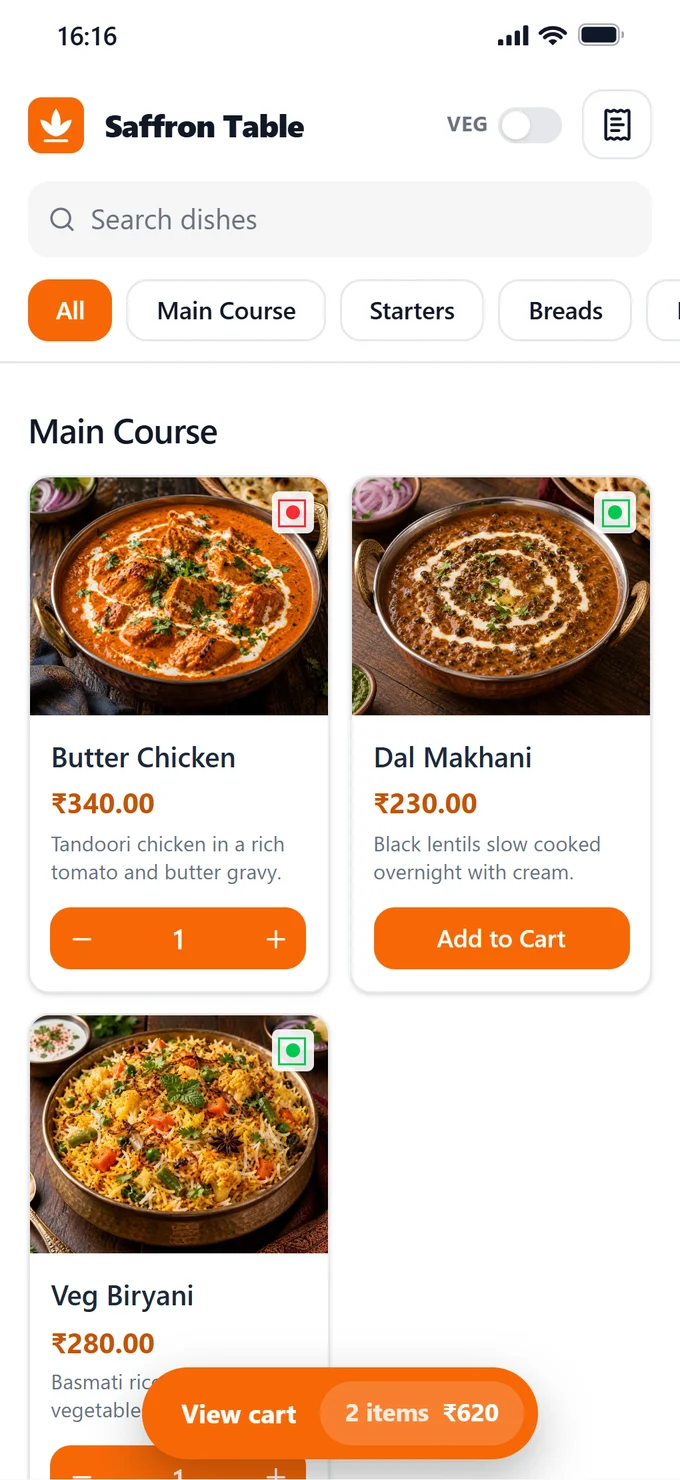
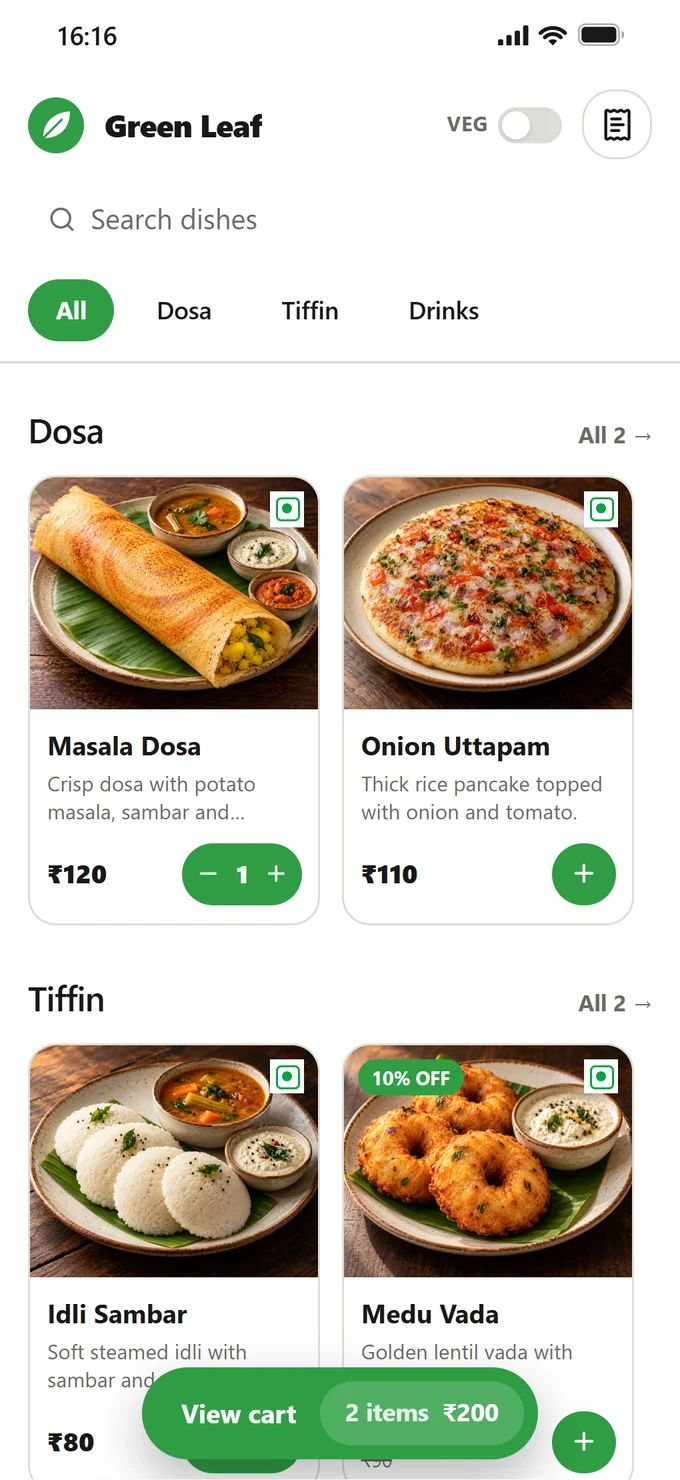
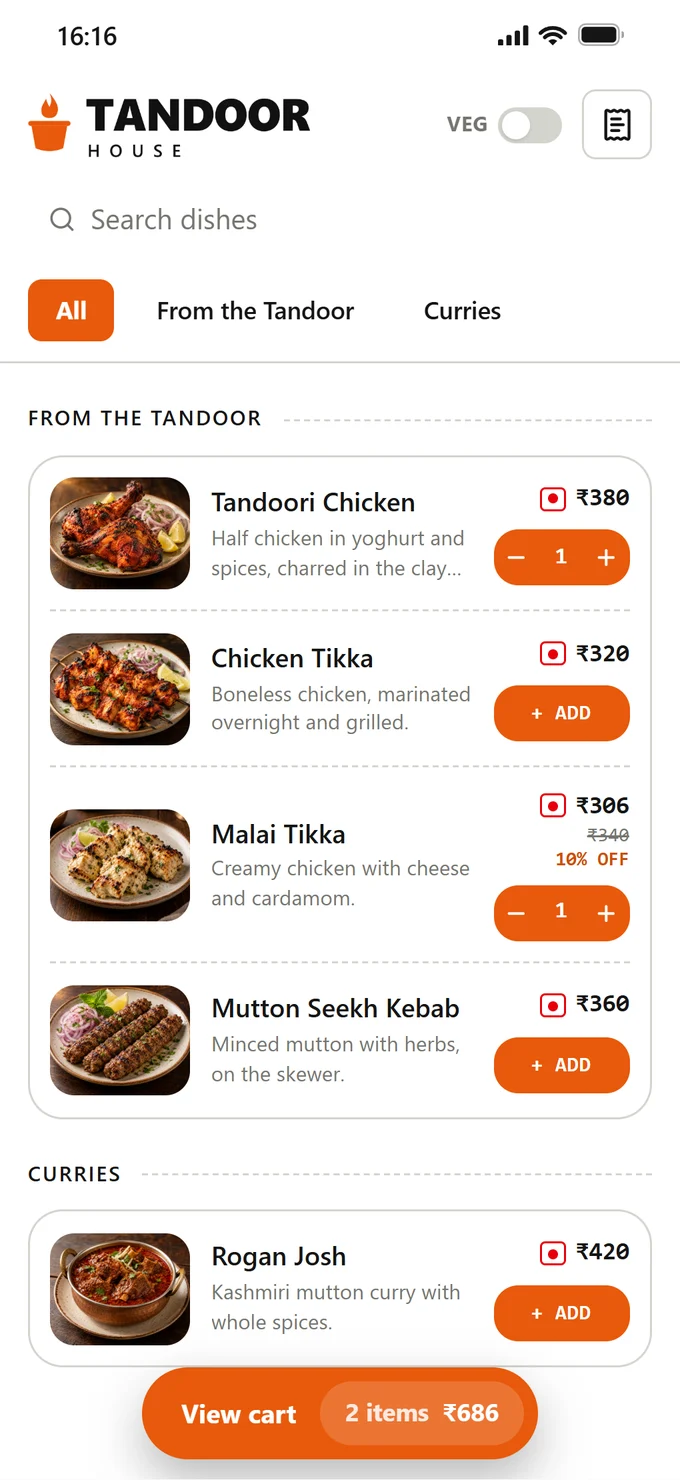
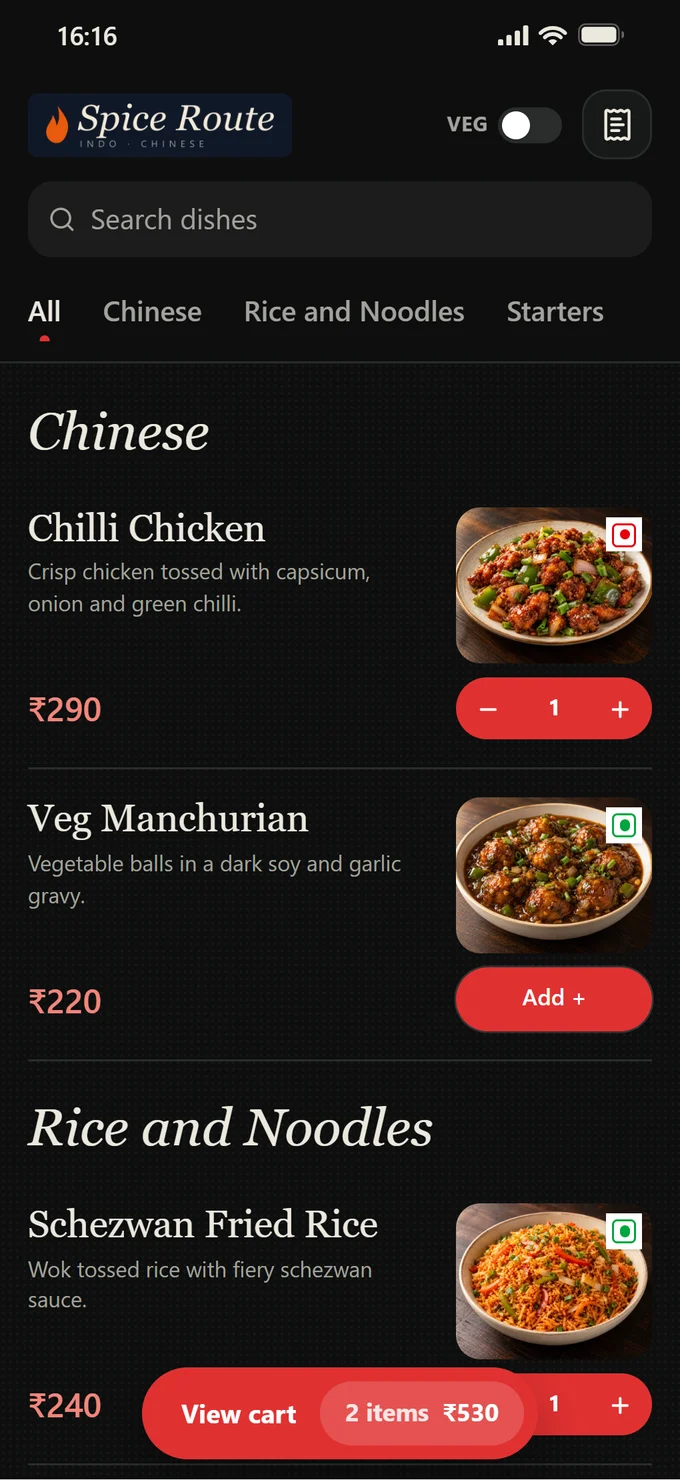
Guests scan, see your menu and order from their own phone. You accept with one tap, the kitchen gets the KOT, and the guest watches the order and the bill live. Made to match your restaurant's brand.
- No app, no login for guests
- Your brand, fully customisable: logo, colours, design and web address
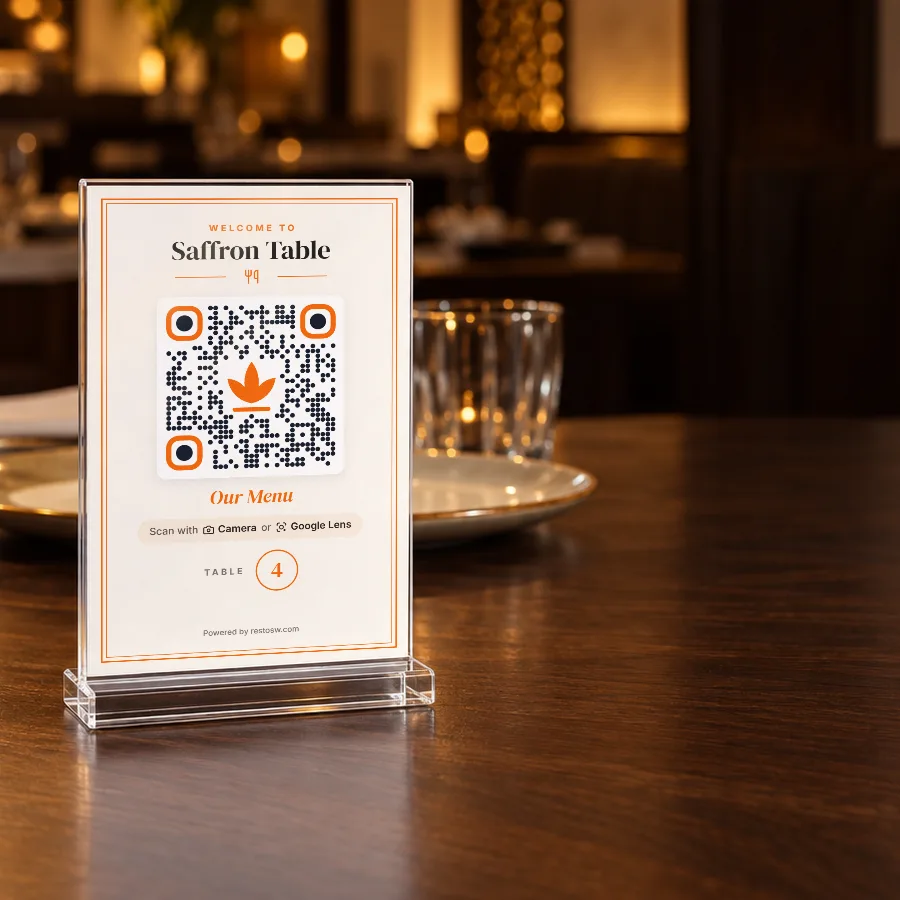
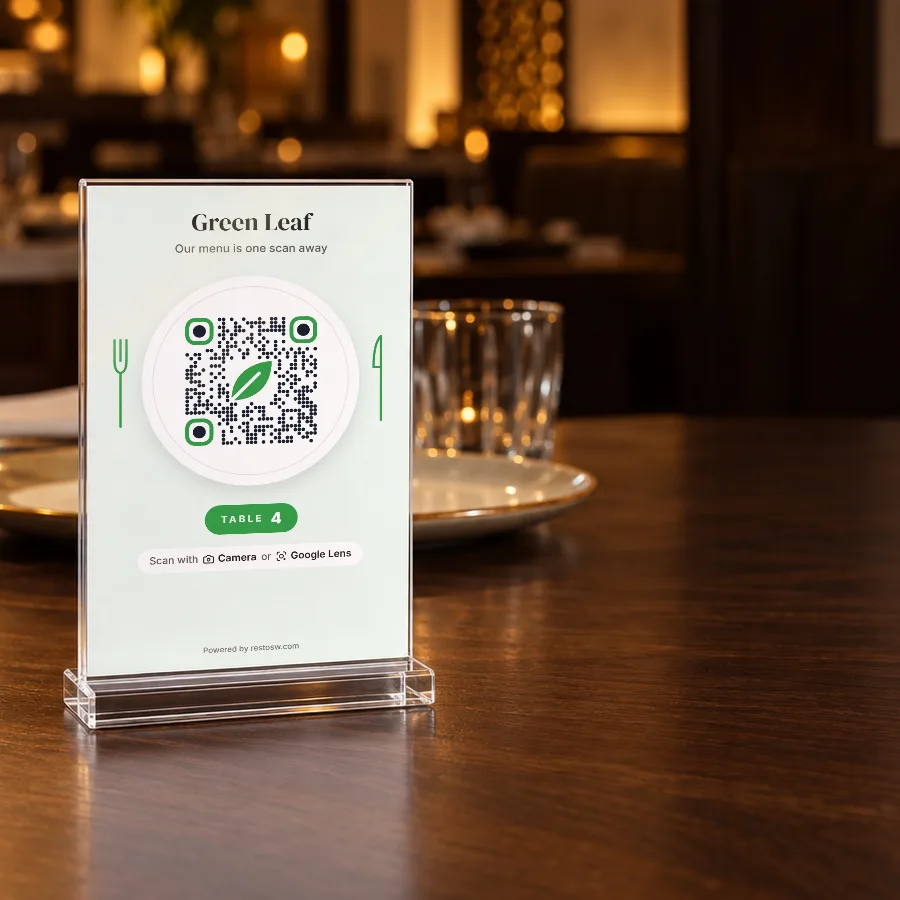
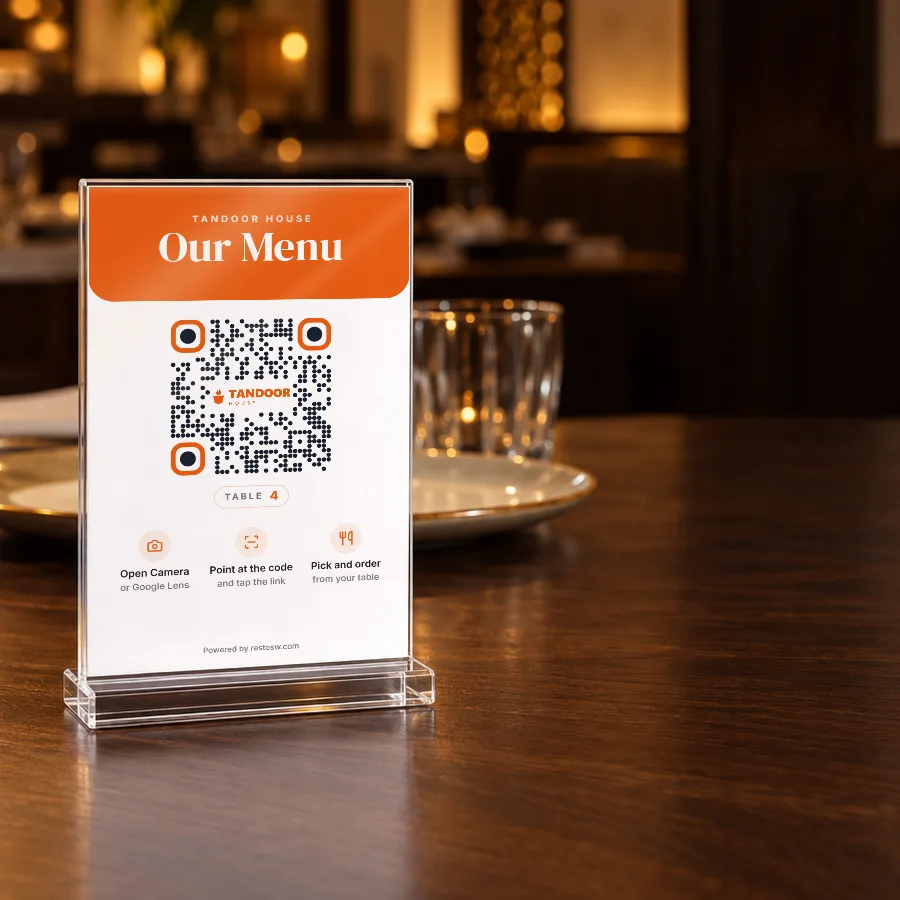
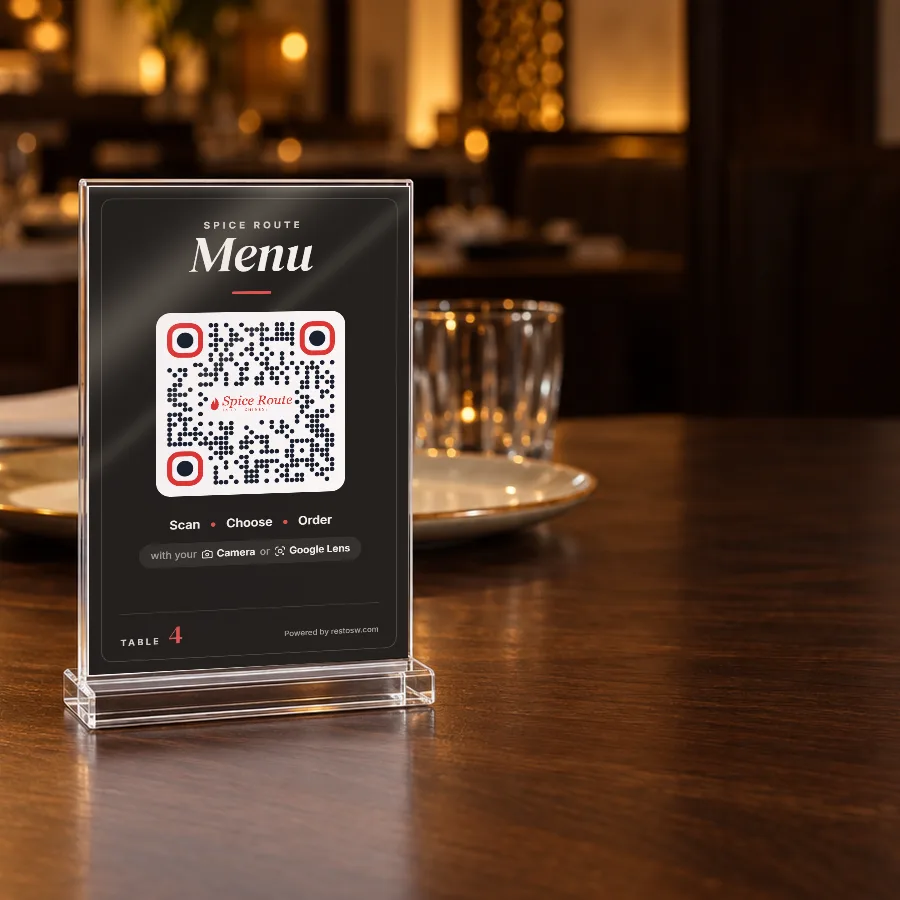
- A QR card for every table, ready to print
- 0% commission: your orders, your guests
Live in four steps
- 1Make it your brand
Pick a design and your colours. Your logo, dishes, photos and prices are already there.
- 2Print the QR cards
One for every table, ready to print from Resto.
- 3Guests scan and order
No app and no login. The order lands on your counter.
- 4You accept with one tap
The kitchen gets the KOT, and the guest watches the order and the bill live.
Questions about the Digital Menu
Do my guests need an app or a login?
No. They scan the QR on the table with the phone's camera or Google Lens, and the menu opens in the browser.
How much does it cost?
Resto Pro is ₹999 a year, on top of Resto Core, with 0% commission on every order. It never renews by itself, and Resto keeps working without it.
Do I have to accept every order?
You accept with one tap on the counter, and the kitchen gets the KOT. If you prefer, turn on auto-accept in Settings and orders are accepted by themselves. An order with a price or stock change since the guest ordered still waits for you.
Can guests order more and see their bill?
Yes. More dishes join the same order, and you accept them as one more round. The guest sees Sent, Preparing, Ready and Paid live, and can open the bill, with GST, at any time. Guests pay at the counter as usual.
Can I choose how the menu looks?
Yes. Pick one of six designs and any colour, and see it on a phone preview first. Guests see a change only when you press Publish. Dishes, prices and sold-out marks reach guests within seconds, without Publish.
What is my menu's web address?
You choose it, like yourname.resto-menu.site. If you change it later, the QR cards already on your tables keep working.
How do I get the QR cards?
Resto makes one card for every table in your colour and one of five styles. Download them all in one go and print them anywhere you like.
Does it need the internet?
Yes, for the Digital Menu. The guest's phone and your Resto PC both need to be online to send and receive orders. The rest of Resto still works offline.
What happens if I stop paying for Resto Pro?
The menu pauses and Resto Core carries on as before. Renew any time and the same QR codes work again.